/ MIORA
Start with consistent product data
Preparing a product feed is more than exporting a catalogue. Product identifiers, prices, availability and destination pages need to remain consistent.
1. Get the current channel requirements
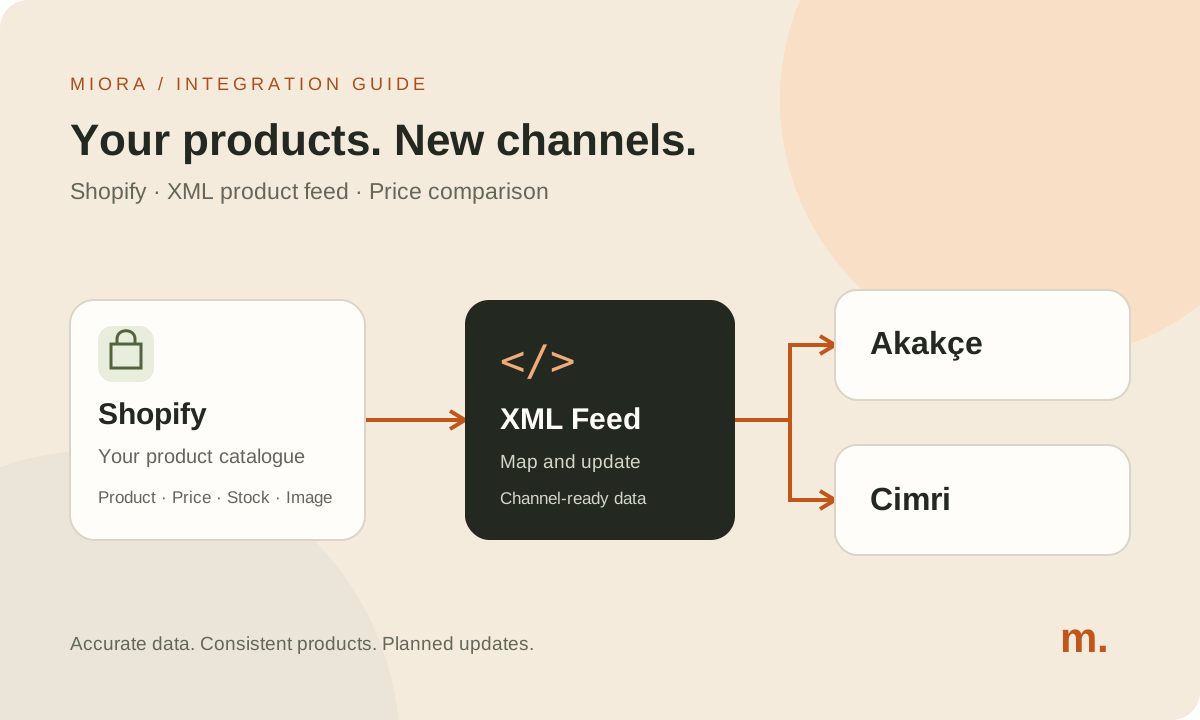
Prepare a separate mapping for each channel using the technical requirements supplied for your account. Do not assume that a file accepted by one channel will be interpreted the same way by another. Cimri’s published feed document describes access through a URL. Confirm Akakçe’s current field and acceptance requirements with its team when applying.
2. Map products and variants
Decide which products to include. Record the source fields for identifiers, titles, URLs, images, prices and stock. Check that each variant record matches the correct options. Fix missing source information rather than filling gaps with arbitrary defaults.
3. Test a small sample
Include normal, discounted, variant and out-of-stock products. Opening the file is not enough: compare its prices and destinations with the store. Check character encoding, image links and product URLs.
4. Plan the update schedule
Define how stock and price changes reach the feed. Choose an app or custom implementation based on catalogue size, required fields and maintenance ownership. Find out when the channel retrieves updates; updating your file and seeing a change on the channel can happen at different times.
5. Monitor after launch
Assign responsibility for invalid records, broken links and stale information. Retest the feed when a field or store address changes. Ongoing maintenance matters as much as setup.